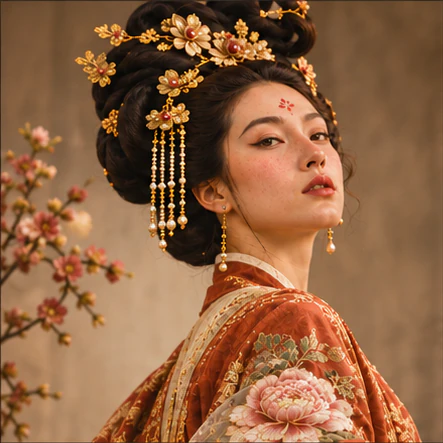
Tang-inspired layers
A high-waisted skirt and blouse with flowing layers in soft morning light.
Travel through time in your own photo — from Tang dynasty hanfu to Victorian gowns.
Tang Dynasty
618–907 · 1 outfit
Explore historical outfit ideas for an AI outfit changer, then make each prompt your own.
A high-waisted skirt and blouse with flowing layers in soft morning light.
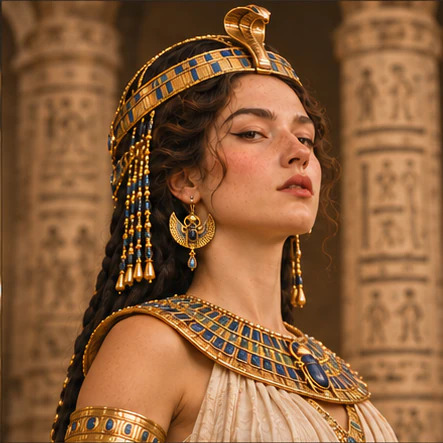
Pleated linen and a broad collar, beside the Nile in warm evening light.
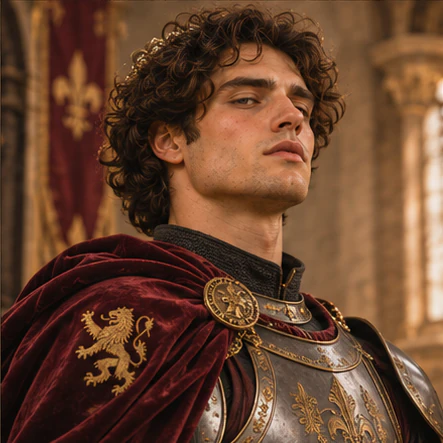
A layered medieval-inspired gown with woven textures in a candlelit hall.
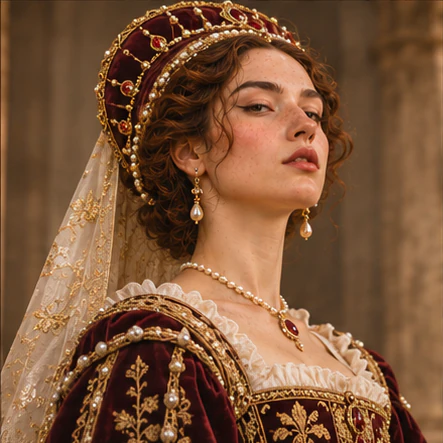
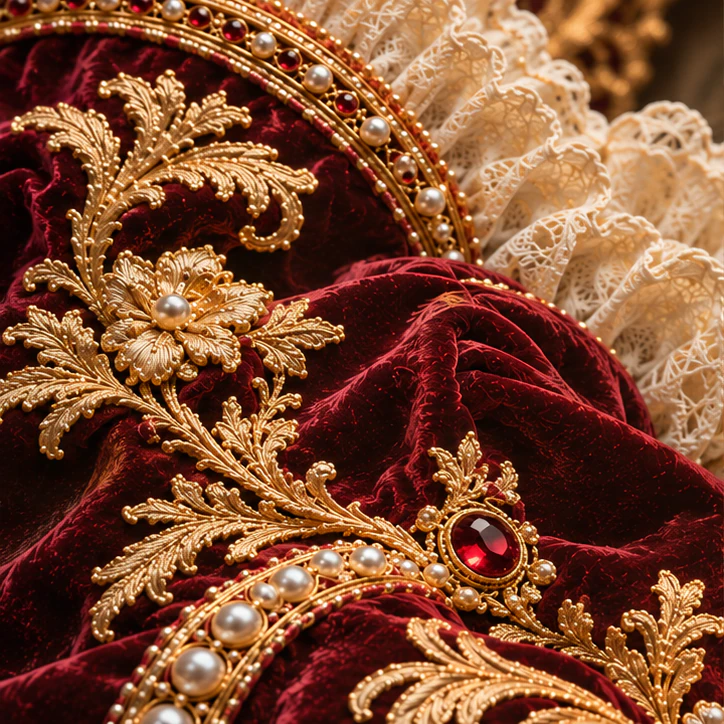
A velvet Renaissance-inspired outfit, rich fabric textures, and a painted portrait backdrop.
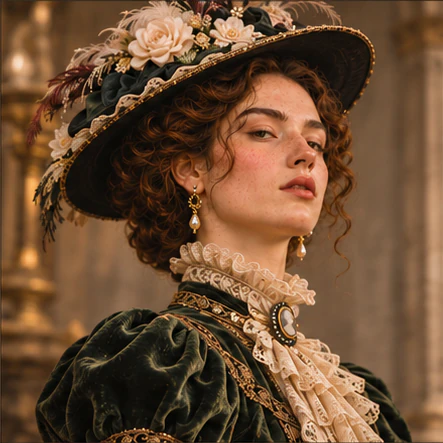
A high neckline and lace details in a Victorian-inspired studio portrait with soft window light.
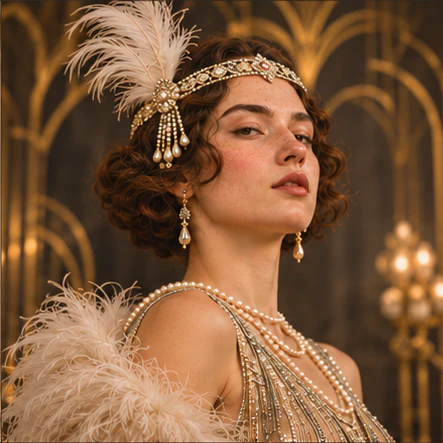
An Art Deco-inspired evening outfit with beaded details in a softly lit hall.
Every AI clothes changer starts from a photo you already have. Explore without signing up: prepare your photo and outfit, then review your settings.
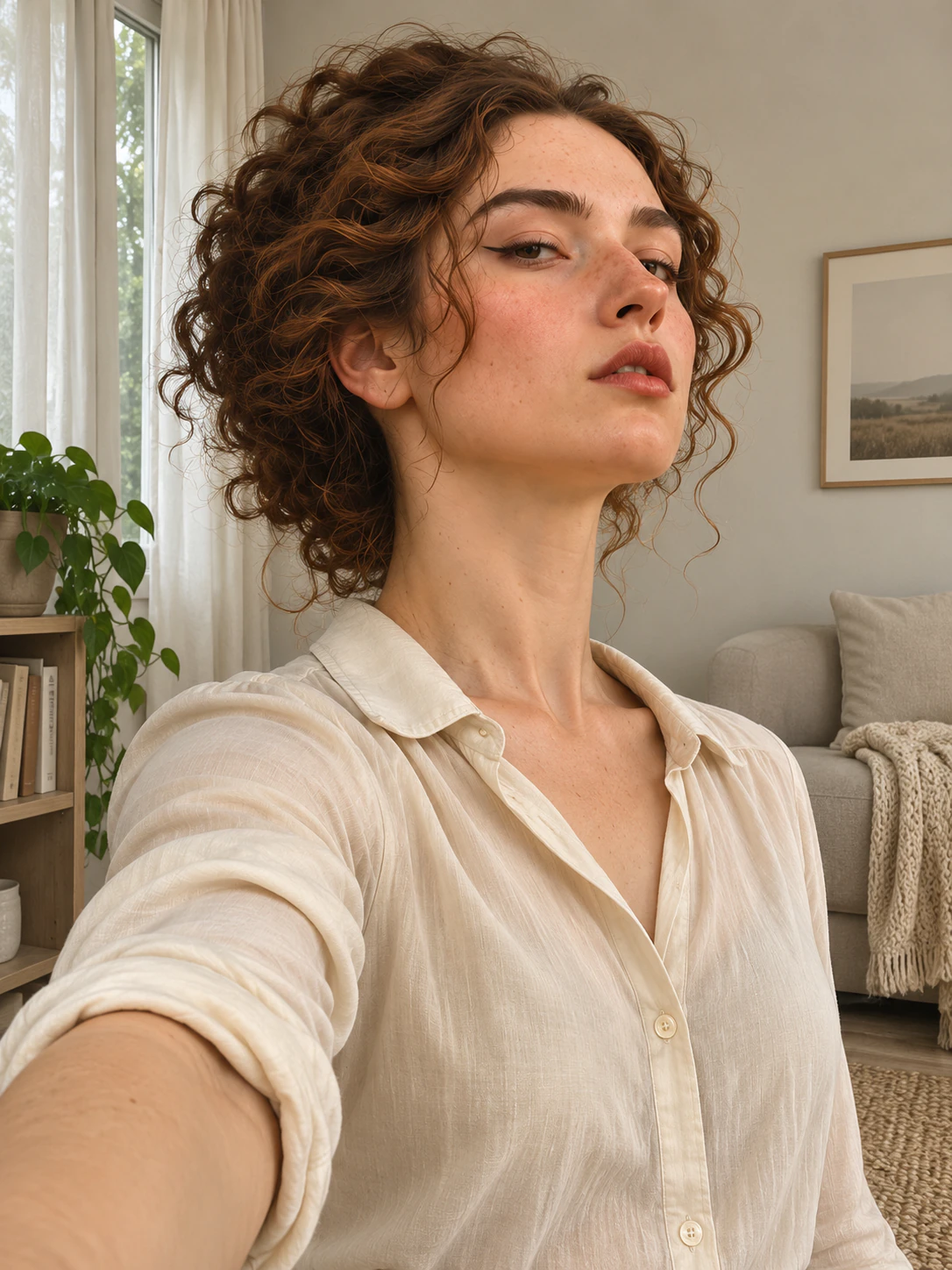
Choose a clear, well-lit photo of yourself.
Make it your own. Add an optional prompt to describe the clothing, setting or light, then choose your Quality.
Find the era and outfit that suit your next portrait.
Every culture in this AI clothes changer comes with its own clothing vocabulary.
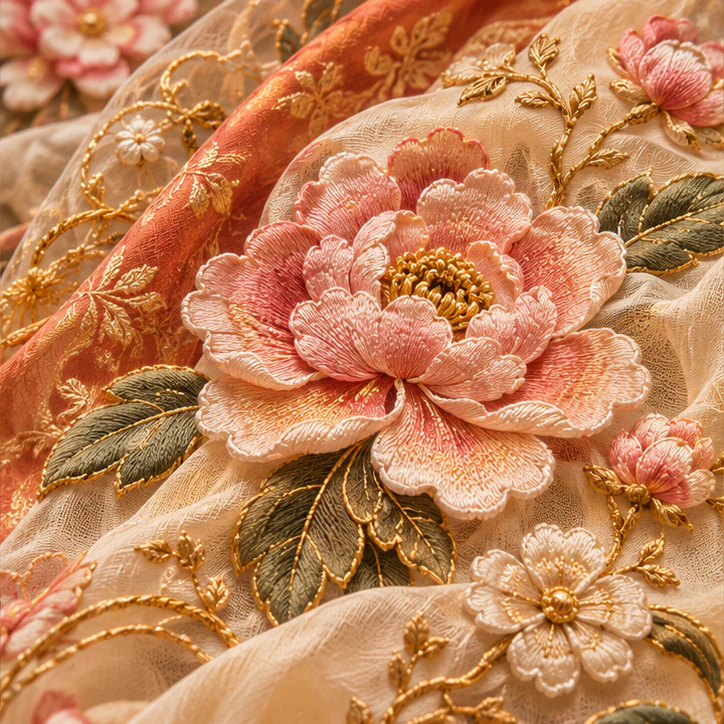
Flowing layers and Tang-inspired silk.
Velvet, pearls and Renaissance portraiture.
Linen draping and ornamental collars.
Lace, tailoring and Victorian silhouettes.
Move through the centuries inside the same AI clothes changer.
c. 1550–1070 BCE
Coming soon
Explore ancient Egyptian clothing inspiration in the AI clothes changer through pleated linen, broad collars and sculptural draping. Begin with a portrait mood, then compare the decorative details in the illustrative example. This collection offers a creative direction for costume planning and art, rather than one outfit for every Egyptian wearer.
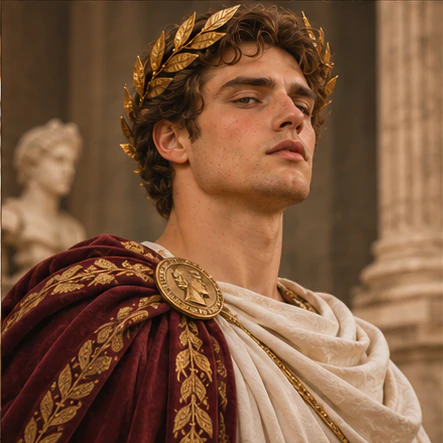
c. 27 BCE–476 CE
Coming soon
Use the AI clothes changer to explore Roman-inspired draping, a belted silhouette or a classical portrait setting. Compare the toga and stola ideas before choosing a direction. The illustrated historical outfits provide composition references; a specific role or date calls for further research.
c. 1100–1500
Coming soon
Explore medieval European outfits in the AI clothes changer through layered gowns, tunics and courtly textures. Choose a silhouette before adding a hall, landscape or candlelit backdrop. The period covers many places and centuries, so narrow your reference when developing a character, costume brief or portrait project.
c. 1400–1600
Coming soon
The AI clothes changer introduces Renaissance clothing through velvet-inspired surfaces, structured tailoring and portrait compositions. Compare a gown-led idea with a doublet before planning color and light. These artistic examples help frame a visual brief; they do not make every garment typical of the whole period.
1837–1901
Coming soon
Compare Victorian-inspired lace, tailored coats and eveningwear in the AI clothes changer for a studio portrait concept. Think about the occasion and decade before choosing accessories or a setting. This historical outfit collection introduces a visual direction that you can refine with a dated portrait or garment reference.
1920–1929
Coming soon
Take the AI clothes changer into the Jazz Age with beaded eveningwear, tailored suits and Art Deco details. Start with the occasion, then choose a pose and lighting style. The examples offer creative costume inspiration for a party scene, character study or personal portrait rather than everyday dress for everyone.
618–907
For a Tang-inspired AI clothes changer portrait, begin with Tang dynasty clothing inspiration: a high-waisted skirt and blouse, a round-collar robe or a riding-related silhouette. Read the linked Tang guide for museum context and terminology. The workspace gallery identifies which outfits have an available reference before you select your portrait direction.
Tang dynasty clothing guideUse the AI clothes changer to turn historical outfit ideas into a visual brief for your next creative project.
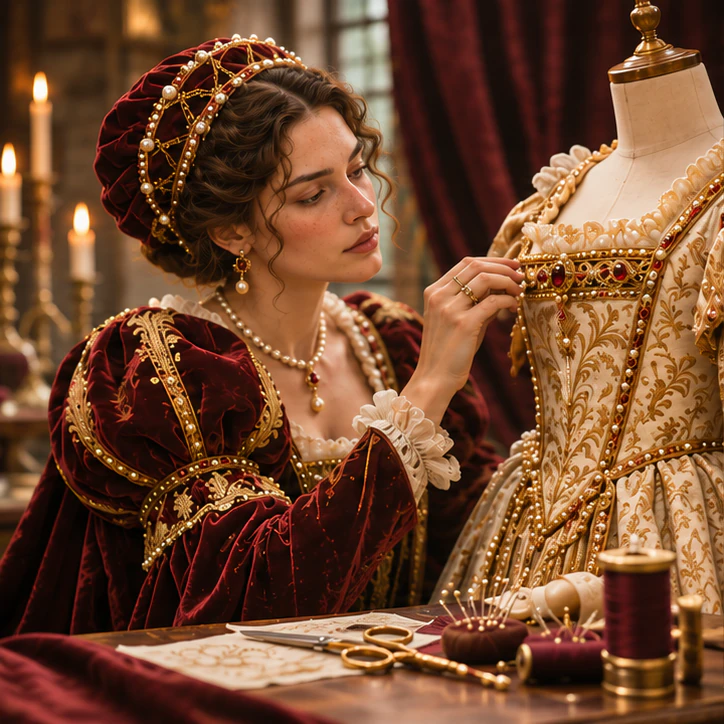
Use an AI costume generator to develop a visual brief, then prepare your photo in the AI outfit changer before making a costume. Compare Tang-inspired layers, a Victorian portrait silhouette or Roaring Twenties eveningwear, then choose the details that serve your character. Save a reference list for fabric, accessories and the occasion. For film or stage, consider which shapes remain readable at a distance. HistoryOutfit’s examples can help communicate the mood to a maker; construction, fit and movement still need practical costume work. Compare practical trims before committing to fabric.
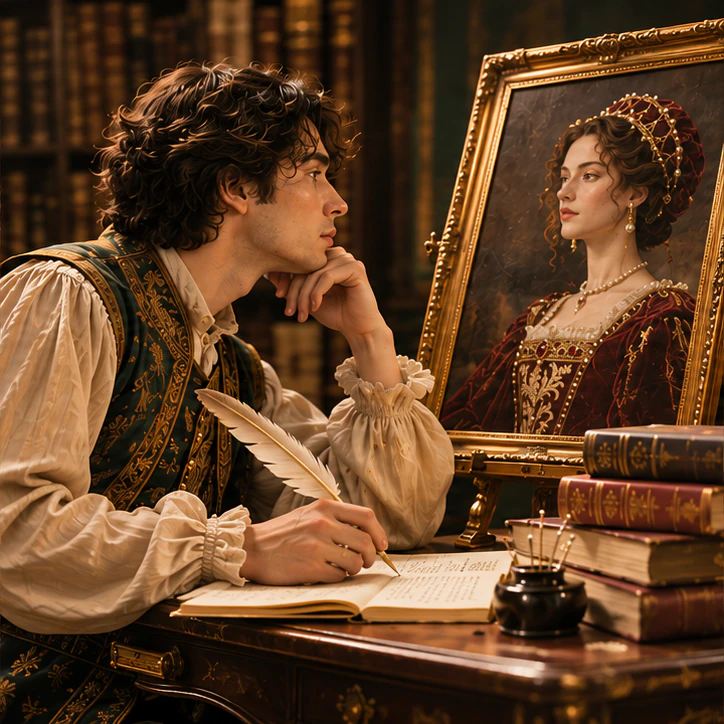
An AI costume generator and AI outfit changer can help give a fictional character a consistent visual direction. Begin with the story’s period, place and social setting, then compare a robe, gown or tailored look. Use the scene description for mood and surroundings while keeping the clothing brief specific. A portrait can support a character sheet or discussion with an illustrator. Check the historical details separately when the plot depends on rank, occupation or a particular date. Keep those references alongside your character sheet.
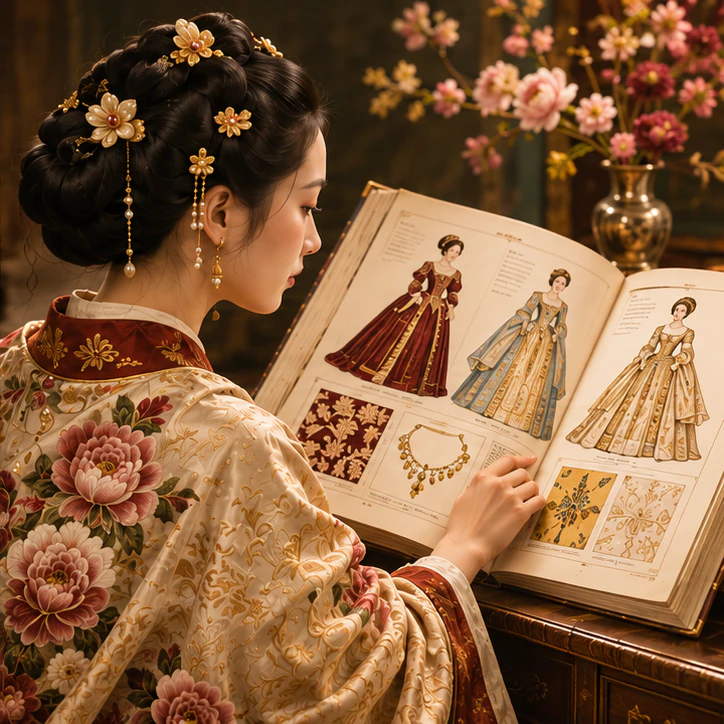
Make historical clothing a starting point for questions about evidence. Compare an illustrated portrait with a linked museum object and ask students to identify silhouette, layers and accessories. Separate what they can observe from what they infer. The AI clothes changer examples can support a discussion of visual interpretation, including details a model might invent. Keep dates and source records beside the exercise, and let the class explain why one courtly figure cannot represent an entire population. Discuss the differences together.
Plan a portrait around clothing, color and light rather than choosing an era name alone. Compare the historical outfit examples, decide which silhouette frames the subject, and add a setting that supports the image. The AI clothes changer workspace lets you prepare a photo and description for that direction. Use the resulting brief for a drawing, mood board or personal art study. Label AI-created imagery clearly, especially when you present it beside a historical source. Keep the source captions with your artwork.
An AI clothes changer is a tool that replaces the clothing in a photo you already have with a different outfit — in HistoryOutfit’s case, historical and period-inspired dress. Your portrait supplies the starting point; an outfit reference and scene description guide the clothing, setting and mood. Fabric, pose and facial details can change in an AI image, so review the result rather than assuming a precise edit.
An AI outfit generator can suggest clothing combinations or create a new fashion image, while an AI outfit changer works from your photo. When comparing an AI outfit generator with a photo editing tool, check the starting point: a prompt, an outfit idea or your own portrait. HistoryOutfit focuses on historical outfits. Browse the illustrated eras, compare silhouettes, and use the AI clothes changer workspace to prepare a photo, available outfit and scene description. Museum links provide context for the inspiration; the portraits remain artistic interpretations.
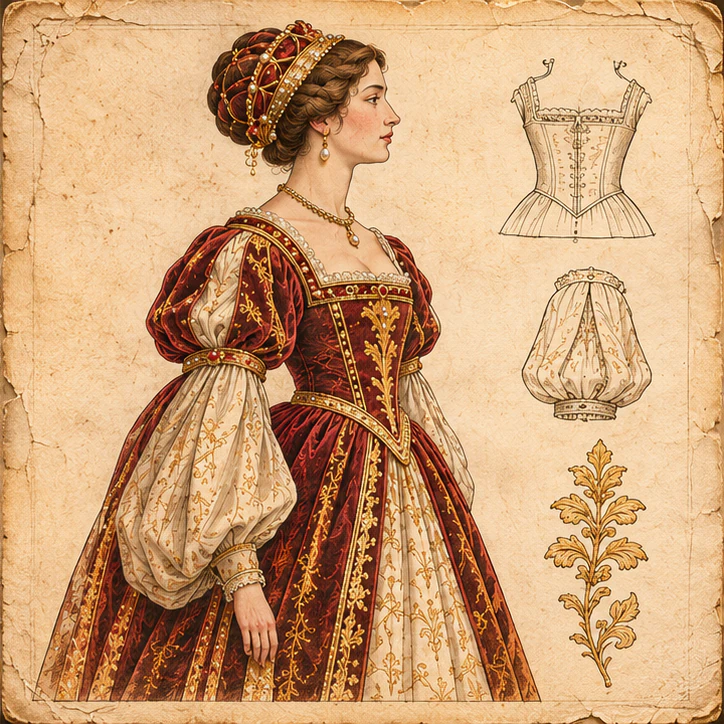
What makes this AI clothes changer different is where the clothing details come from.
HistoryOutfit’s Tang guide links clothing details to named objects and museum research. Compare the Cleveland court lady with the Met’s discussion of Tang cultural exchange. The China National Silk Museum’s Han and Wei exhibition adds earlier context for Chinese dress, rather than evidence for a specific Tang outfit.
The AI clothes changer illustrations are labelled as AI-created. Color, setting, decoration and lighting are creative choices. Where a museum object informs the guide, its date and represented role help distinguish the source from the modern portrait concept.
HistoryOutfit does not certify historical reconstructions. A court figure cannot stand for every wearer in an era, and an AI portrait cannot establish a garment’s original cut, material or social meaning. Check the linked records when those details matter to your project.
Explore AI clothes changer portrait ideas inspired by historical dress.
AI-created illustrative examples. Not real users, testimonials or verified historical reconstructions.
A little curiosity. A whole new era of portraits.
Choose monthly billing or a yearly allocation
Perfect for getting started
$100.00 billed yearly
Save 72% vs monthly billingUp to 250 portraits / year
For dedicated creators
$300.00 billed yearly
Save 72% vs monthly billingUp to 1,066 portraits / year
Portrait estimates use the 50-credit base model before plan discounts. Annual credits are the total allocation for the year. Yearly plans are billed upfront.
HistoryOutfit brings historical clothing into your portrait. Browse the outfit gallery, choose a look and add your own setting, pose or mood.
Add a clear portrait, choose a look from the gallery, and set your preferred model and image ratio. Review your photo and outfit before continuing.
The Tang gallery currently offers the Tang-inspired Empress look. Other historical collections are marked Coming soon until outfit references are available.
Nano Banana Pro creates portraits at 2K resolution. The credit rate appears beside your current settings.
The looks are creative interpretations of historical clothing. Compare individual details with museum records when historical accuracy matters; artistic portraits are not evidence for historical research.
Use a clear, well-lit portrait that you have permission to use. JPG, PNG, WebP and AVIF files up to 20 MB are supported.
Monthly plans list credits per month. Yearly plans list credits for the entire year and the full yearly invoice. The monthly equivalent is the yearly total divided by twelve.
Yes. Explore the outfit gallery, compare the available looks and choose a portrait direction before selecting a plan.
Use the optional description to add a setting, pose or mood. Your selected outfit remains separate from these scene details, so you can change one without rewriting the other.
Choose a historical look, add your photo and create a portrait from another era.
Create your portrait